
Lesson 15 · Advanced · 15 min
Analyze videos with Gemini: synthesis and key timestamps
Upload video recordings or YouTube URLs to Gemini: extract key milestones, interpret on-screen visual demos, and generate exact timestamps.
- Goal
- You will analyze long-form video recordings in Gemini to extract demonstrations, speaker arguments, and precise milestone timestamps.
- Skills
- Check

Your first attempt, unaided
Provide a recorded presentation or webinar to Gemini and prompt for a 5-point milestone summary with precise timestamps and topical takeaways.
Gemini analyzes video footage natively by processing visual frames alongside audio streams without requiring disconnected transcription tools or external plugins. You can upload MP4 files or paste YouTube URLs to index recorded webinars, locate precise software demonstrations, and generate timestamped executive chapters.
1Sound and vision unified: multimodal temporal comprehension
Sound and vision unified enable multimodal temporal comprehension across recorded video assets. Gemini samples visual frames and audio tracks concurrently, instantly linking spoken instructions with physical actions performed on screen.
Conventional tools transcribe spoken words into text before running analysis, ignoring visual elements such as slide diagrams, mouse clicks, and physical gestures. Gemini ingests keyframes and speech directly within its native multimodal architecture. It pinpoints the exact minute an instructor clicks a hidden software setting or when a live metric shifts.
Video analysis method Traditional approach Gemini native multimodality Workplace impact Audio stream Speech-to-text then LLM summary Direct auditory comprehension Captures vocal emphasis and intent On-screen visuals Ignored or captured via manual snapshots Continuous keyframe sampling Matches spoken words with physical actions Temporal navigation Imprecise text timestamps Second-by-second landmarking Generates ready-to-publish video chapters 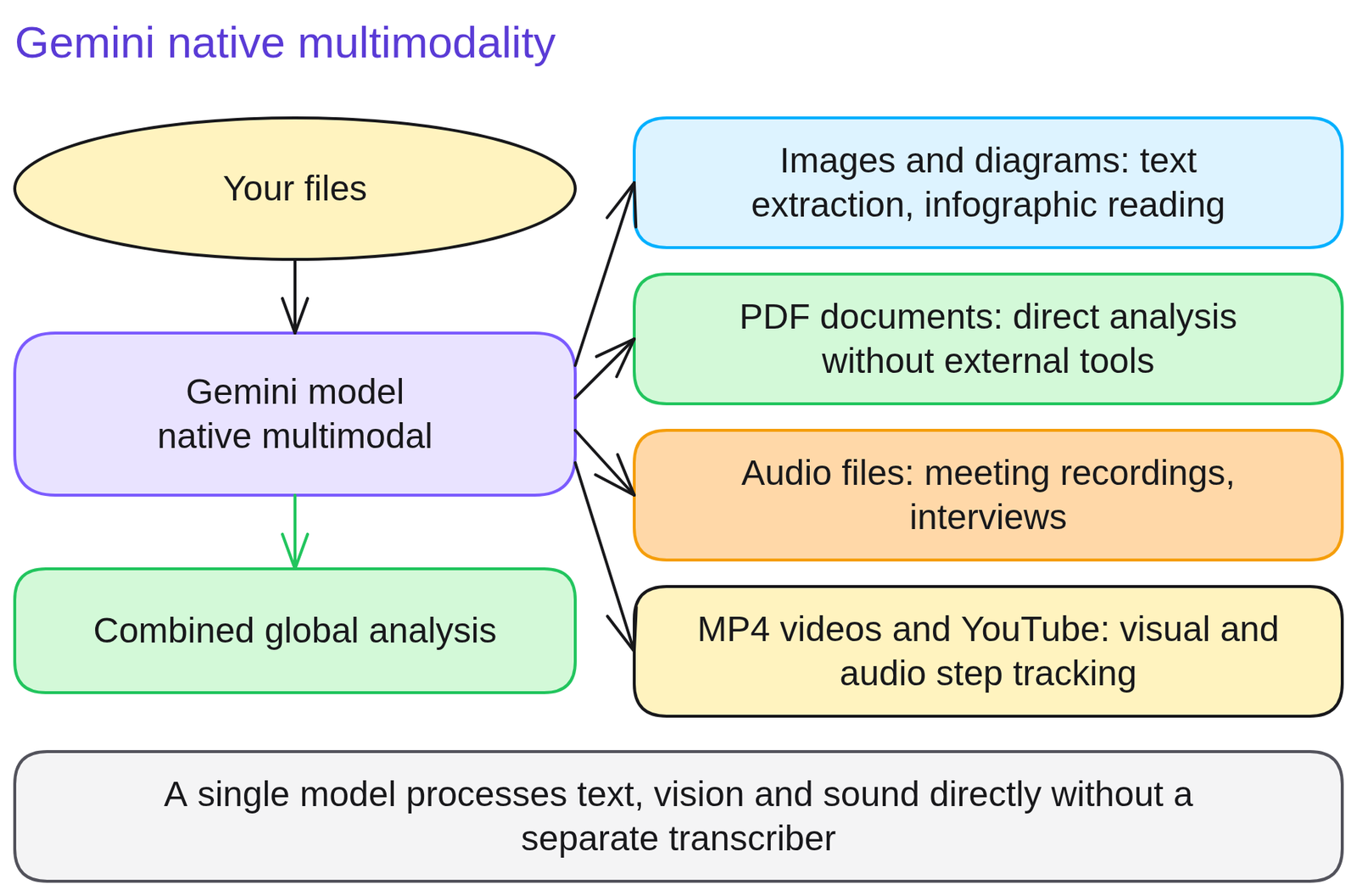
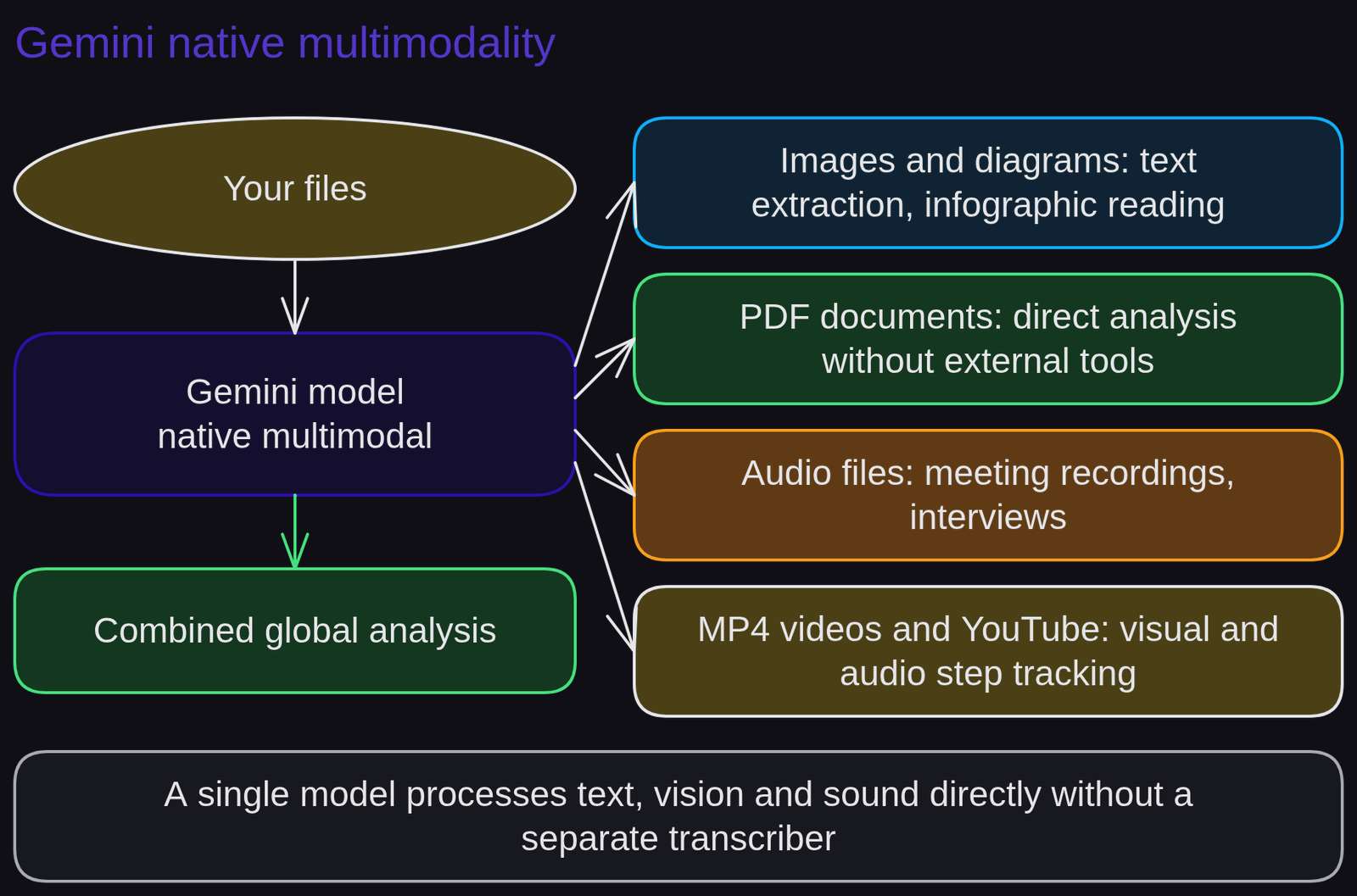
Diagram 'Video analysis in Gemini'Diagram generated by AI and reviewed 2Indexing a one-hour software demo into 6 timestamped milestones
Indexing a one-hour software demo into 6 timestamped milestones demonstrates how native multimodal processing converts an unstructured recorded training session into an easily navigable workplace reference.
A customer enablement manager must document an internal software training video explaining the company updated CRM platform.
Weak prompt.
Summarize this recorded software training video.Gemini outputs a generic text overview lacking timestamps, making it impossible for viewers to jump directly to specific features.
Strong prompt.
Based on the attached training recording, build a 6-chapter video index table. Required columns: Timestamp (mm:ss), Chapter Heading, On-screen Action Performed, and Keyboard Shortcut Used by the Instructor. Limit the introductory overview to 120 words.The difference. The prompt correlates visual demonstrations with spoken commentary to build an exact technical index pointing directly to critical instructional milestones.
3Draft an executive briefing from a technical recorded webinar
Draft an executive briefing from a technical recorded webinar to practice extracting key business decisions and visual demonstrations without watching the entire recording manually.
Select an internal recording or technical conference video lasting 15 to 30 minutes. Upload the file or submit the URL to Gemini and request an operational chapter breakdown.
Run this prompt:
'Analyze this technical presentation and catalog the 3 product capabilities demonstrated, including: on-screen timestamp, operational enterprise use case, and architectural limits stated by the presenter. 100 words.'
Self-evaluation rubric: (a) timestamps align with actual slide transitions ; (b) visual charts and diagrams displayed on screen are incorporated ; (c) the deliverable evaluates both visual and audio evidence.
4Expecting millisecond precision on high-speed physical motions
Expecting millisecond precision on high-speed physical motions creates false expectations because Gemini samples video streams at regular intervals of approximately one frame per second.
If an interface click or transient alert lasts only a fraction of a second, the model may locate the event with a small variance of several seconds. Relying on Gemini for sub-second audit logging represents an operational anti-pattern.
Fix: formulate timestamp retrieval requests with an acceptable margin of plus or minus five seconds around the target event.
Rule to remember: Gemini excels at semantic understanding across video sequences, not sub-second chronological measurement.
5Quiz
Three questions, instant feedback. Each option comes with an explanation.
6Proof of mastery
Submit a technical recording or recorded presentation to Gemini and provide the generated timestamped outline, auditing accuracy for two timestamps.

Criteria
What you wrote at the start of the lesson


Going further
Review glossary definitions for multimodality and temporal tokenization. The next lesson, Create a custom Gem for your team, teaches you to embed custom instructions into dedicated bots. Consult Run a Gemini workshop to design hands-on team sessions.
Frequently asked questions
How does Gemini technically process video files?
Gemini samples video streams at approximately 1 frame per second while ingesting synchronized audio tokens, correlating spoken dialogue with visual screen events.
What is the maximum video duration supported?
Thanks to its million-token context window, Gemini can digest up to roughly one continuous hour of full video footage in a single prompt.
Can it spot on-screen graphics or specific code snippets?
Yes. Gemini readily identifies slide transitions, console error outputs, and physical demonstrations performed on screen.